For sellers · Services
Delivering a service
Review the enquiry and discuss scope
New enquiries appear under Chats. Open the conversation to read the buyer's message and any intake form answers they submitted. Use the chat to clarify scope, timeline, and deliverables before quoting — a well-scoped quote reduces revisions and disputes.
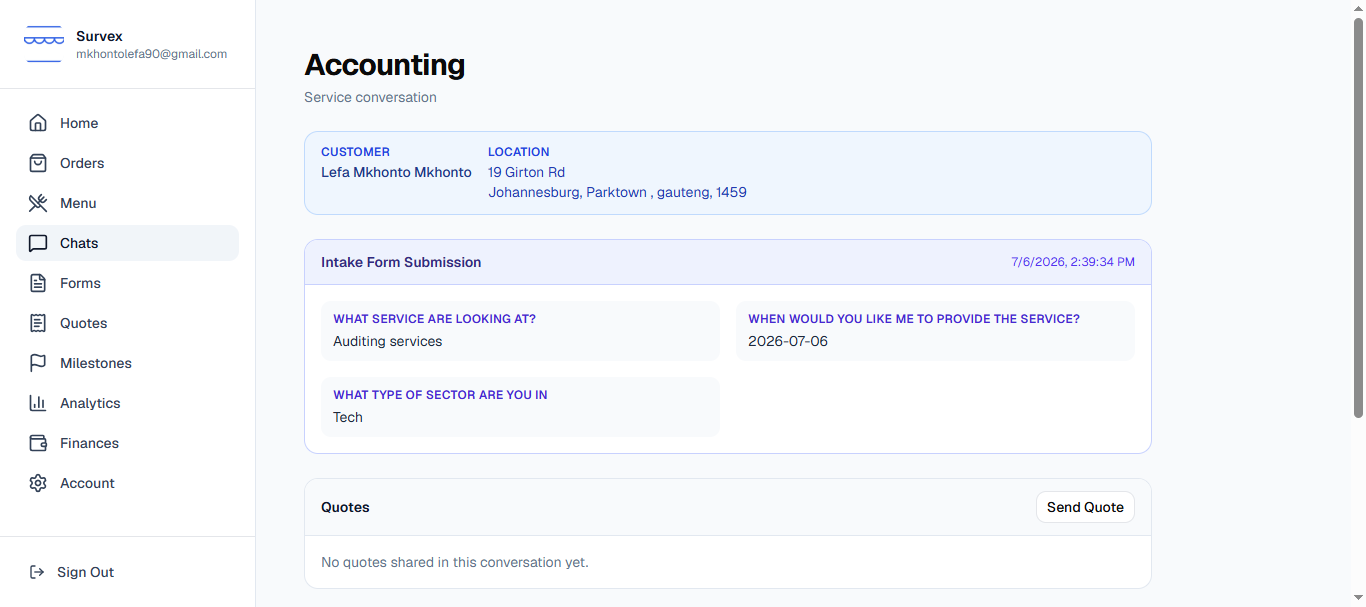
An open enquiry in the seller's chat view. Send a quote
When you're ready to quote, tap Create quoteinside the conversation. Build the quote by adding line items — each line is a piece of work or a cost. Then structure the payment into milestones: a deposit upfront, a mid-point delivery, a final sign-off. You decide how many milestones and what percentage each holds.
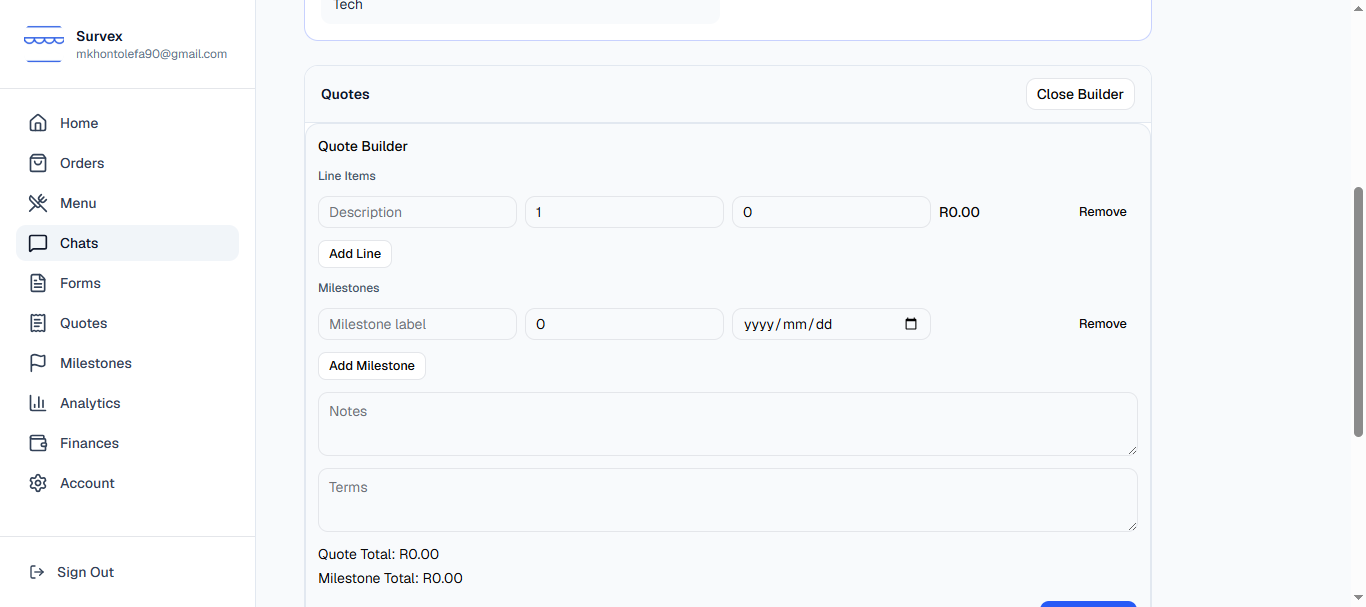
The quote builder with line items and milestone splits. Keep milestone amounts proportional to the work in each stage. A large upfront deposit can put buyers off; a large final payment increases your exposure if there's a dispute at the end.Quote sent — wait for acceptance
Once sent, the quote appears in the conversation and the buyer receives an email notification. The quote status shows Pending until they act. You can see all your sent quotes under Orders.
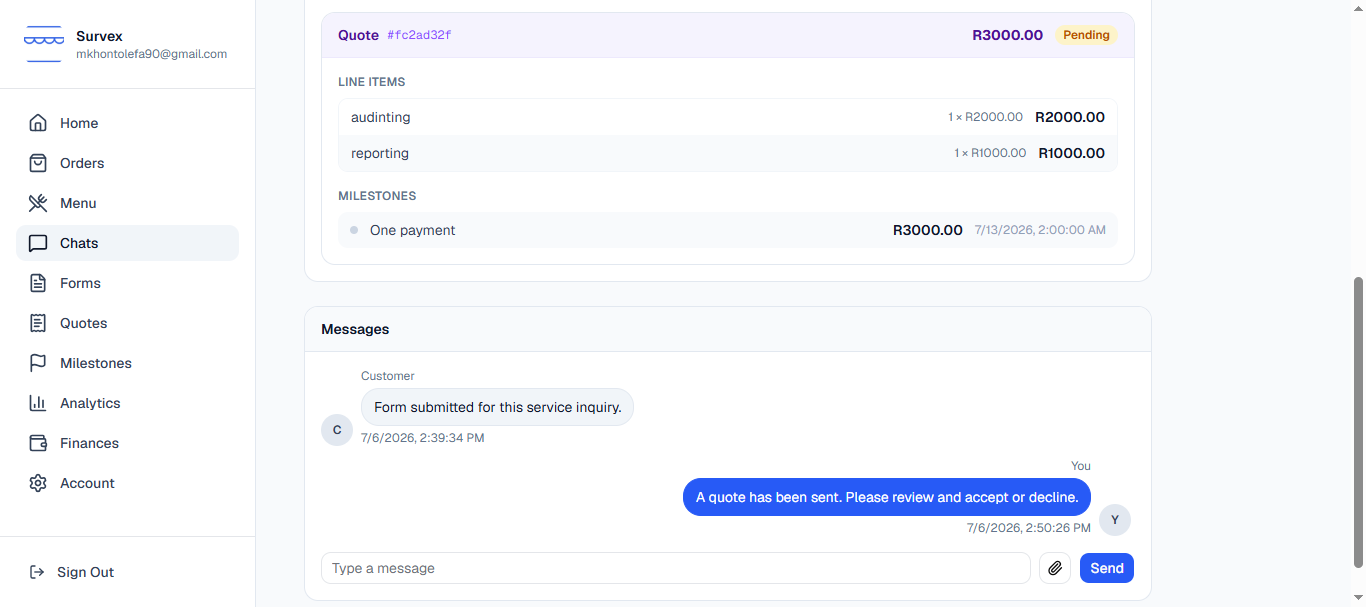
A pending quote visible in the seller's Orders view. Buyer accepts — first milestone funded
When the buyer accepts the quote and pays the first milestone into escrow, you receive an email and the milestone status updates to In progress. The funds are held securely — not in your account yet, but committed.
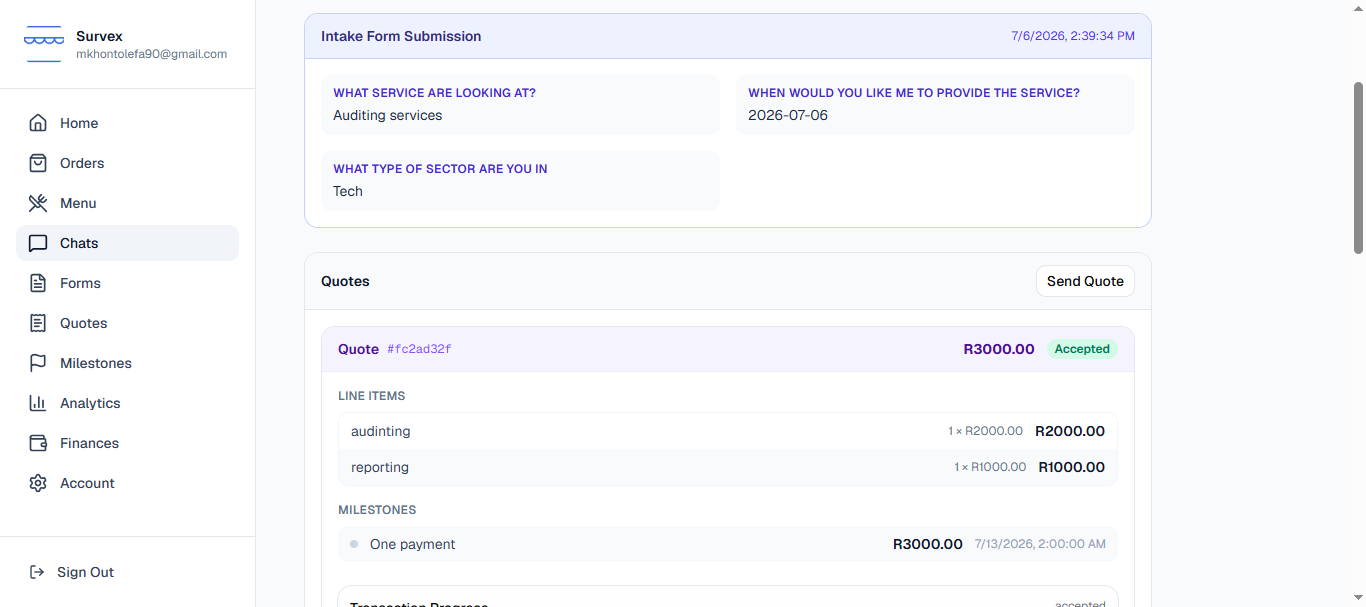
The first milestone funded and in progress. You can see the breakdown of what will be paid out per milestone, including the Survex platform fee, on each milestone card.Do the work and mark it delivered
Complete the work for this milestone, then tap Mark as delivered. The buyer is notified by email and has 24 hours to review. During that window the milestone shows as Awaiting confirmation.
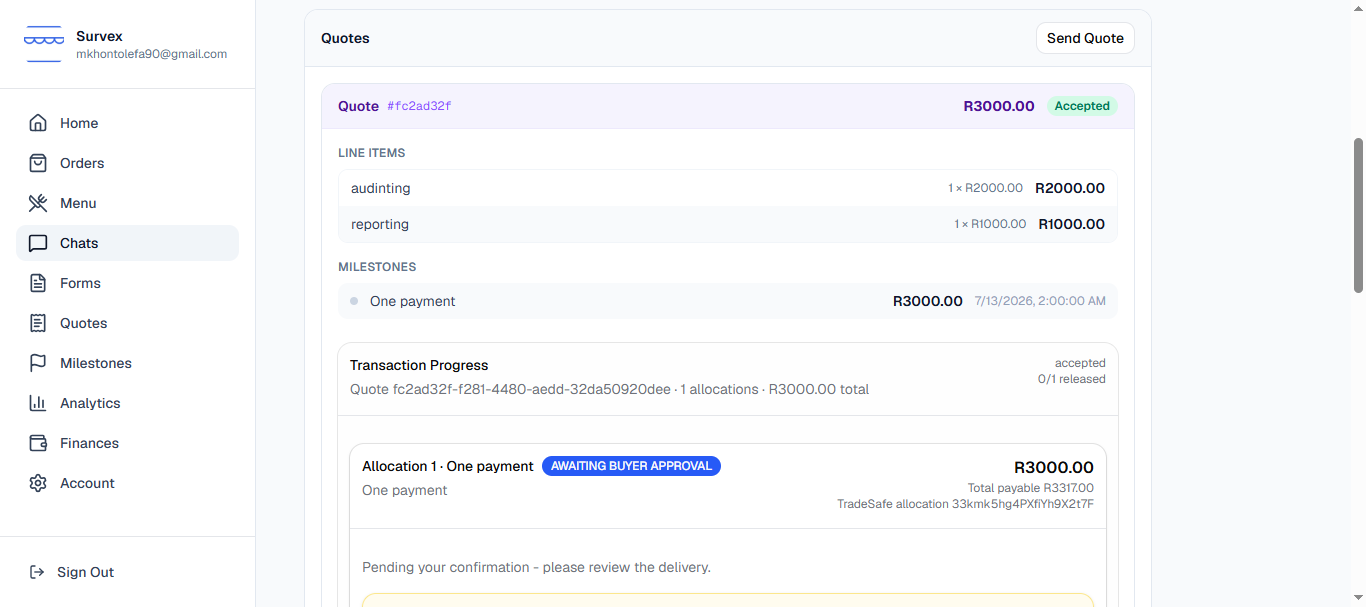
A milestone marked delivered, awaiting the buyer's confirmation. Only mark a milestone delivered when the work is genuinely complete. Marking prematurely and having the buyer dispute wastes both parties' time and can flag your account.Funds released — next milestone unlocks
When the buyer confirms (or 24 hours pass without a dispute), the milestone funds are released to your Survex wallet and the next milestone becomes payable for the buyer. Repeat steps 5 and 6 for each milestone until the job is complete.
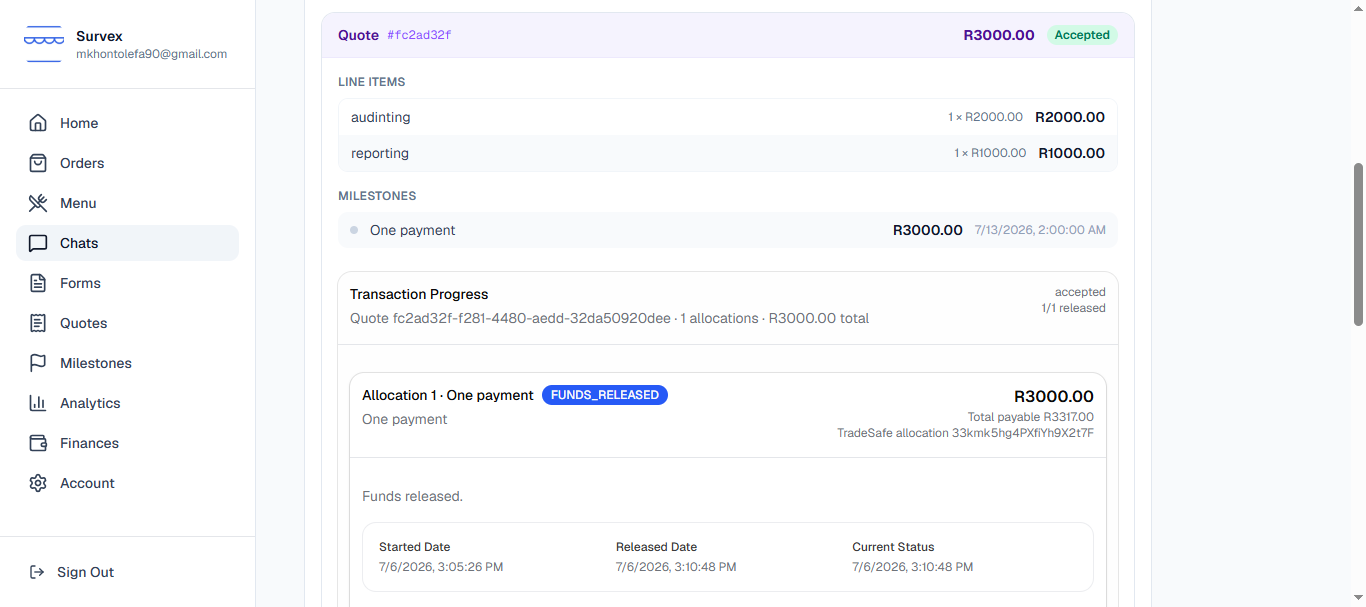
First milestone funds released; second milestone now active. Job complete — check your wallet
Once all milestones are released the order is complete. Head to Finances to see your earnings, track payouts, and withdraw to your bank account.

The seller's Finances page showing earnings from a completed job.