
For buyers & sellers · Finances
Withdrawing funds
Find your balance
Open Finances from your dashboard. Your available balance is shown at the top of the page — this is the amount you can withdraw right now.
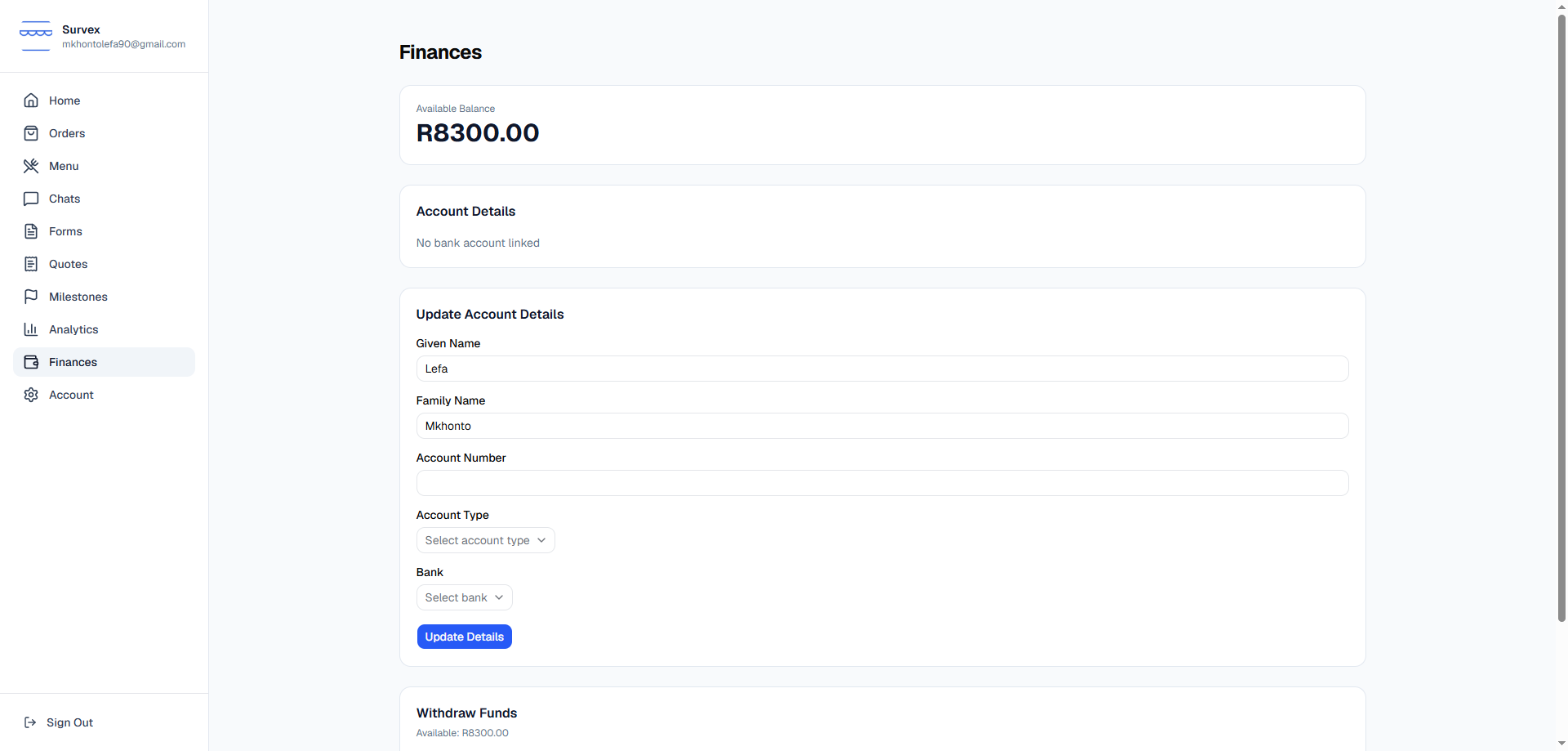
The Finances page, with the balance shown at the top. Add your bank account details first
Before you can withdraw, fill in the Update Account Details form with your name, account number, account type, and bank. Without these saved, a withdrawal will fail.
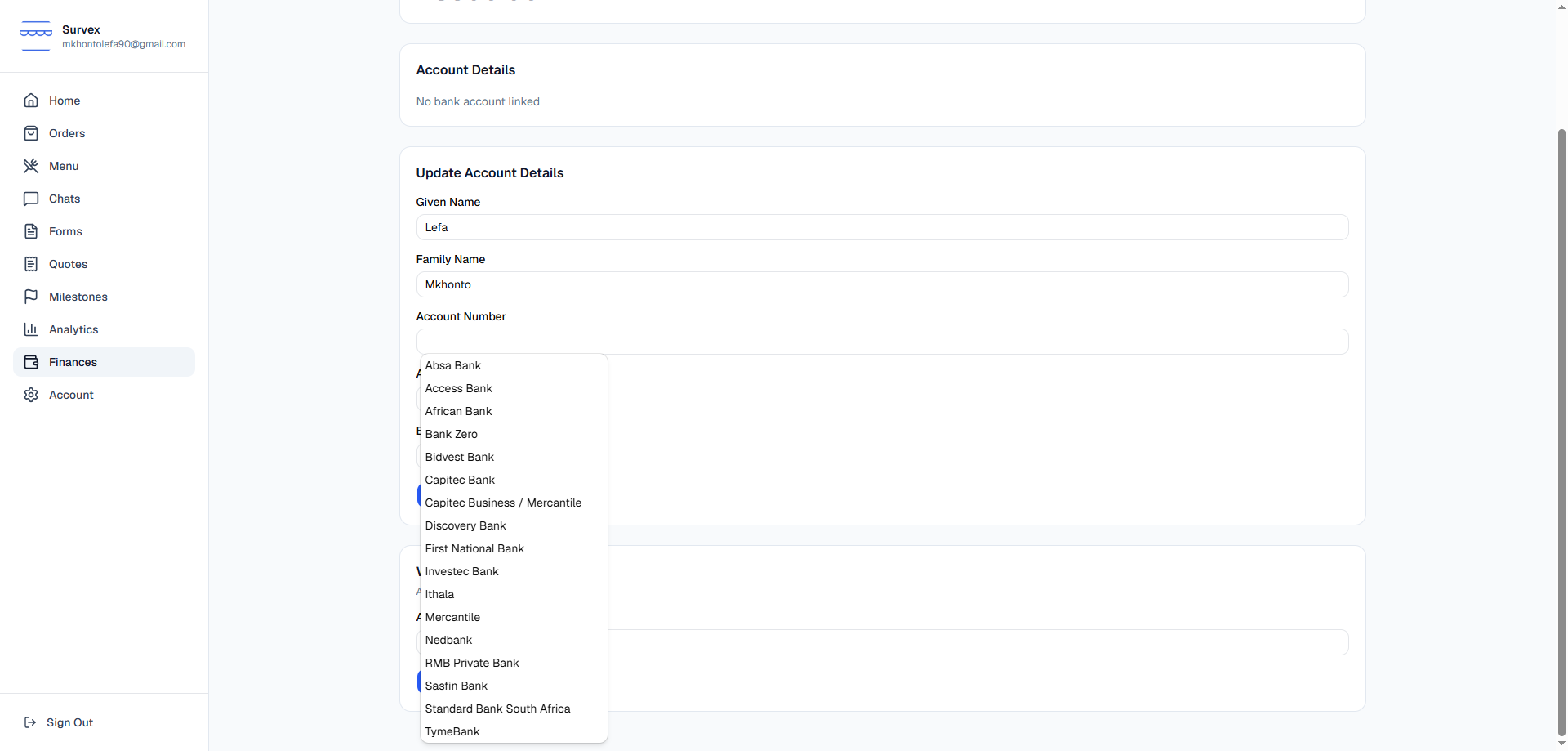
The Update Account Details form with the bank dropdown open. Know the withdrawal fee
Every withdrawal costs a flat R5.75 fee, deducted from the amount you withdraw. Because the fee is charged per withdrawal — not per Rand — you keep more of your money by withdrawing your full balance in one go rather than splitting it into several smaller withdrawals.
Example: withdrawing R500 once costs you R5.75 in total fees. Withdrawing R250 twice costs R11.50 — double the fee for the same amount of money.Submit a withdrawal
Enter an amount in the Withdraw Funds card and confirm. The request is sent straight to TradeSafe, and the page will confirm once it's been submitted.
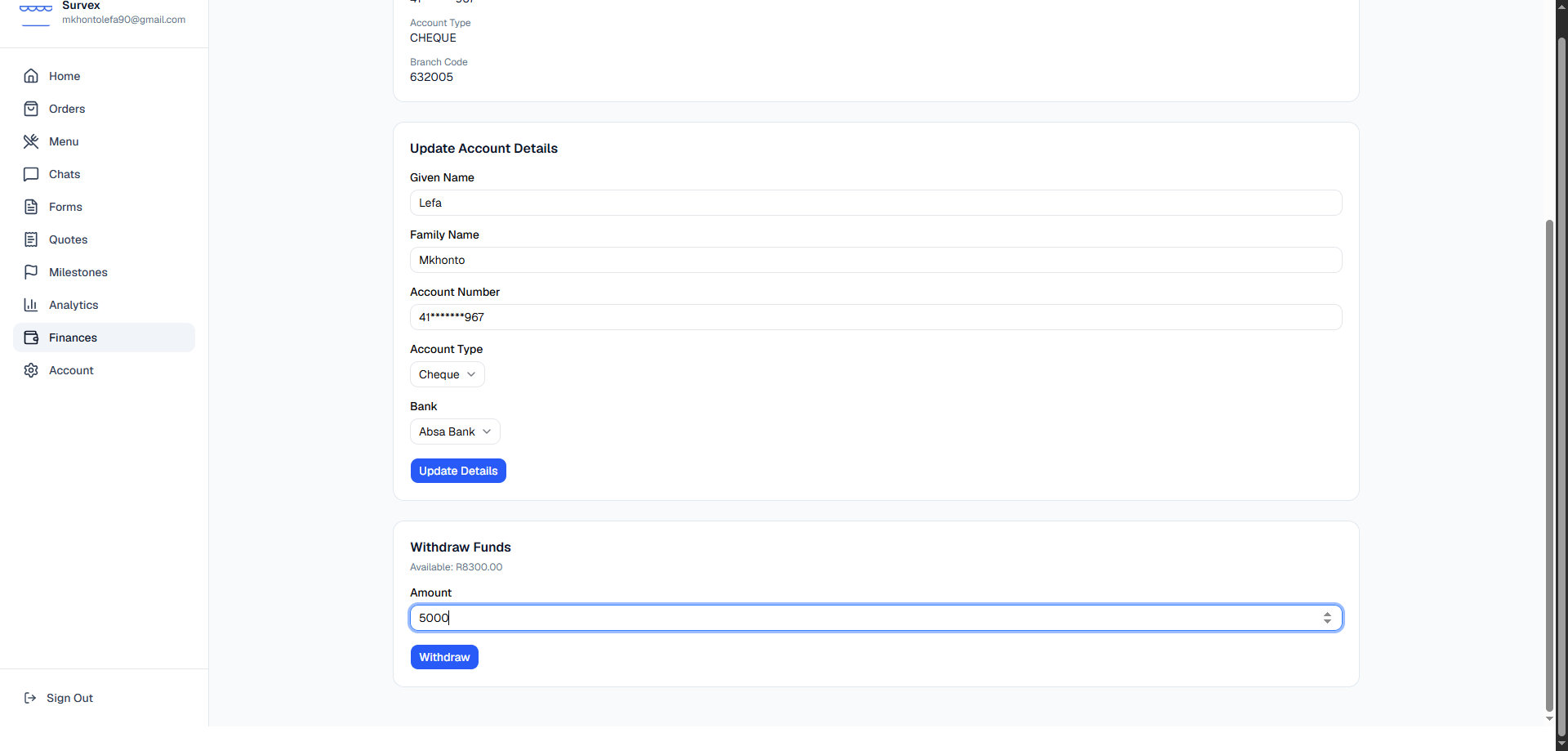
The Withdraw Funds card with an amount entered. Check your email
You'll receive an email confirming the withdrawal, the fee charged, and the amount you'll receive after the fee.