
For buyers · Services
Requesting a quote & paying by milestone
Find a service and start a conversation
Open a service listing from Browse and tap Message provider. If the provider uses an intake form, you'll fill in a few details first so they understand what you need before quoting.
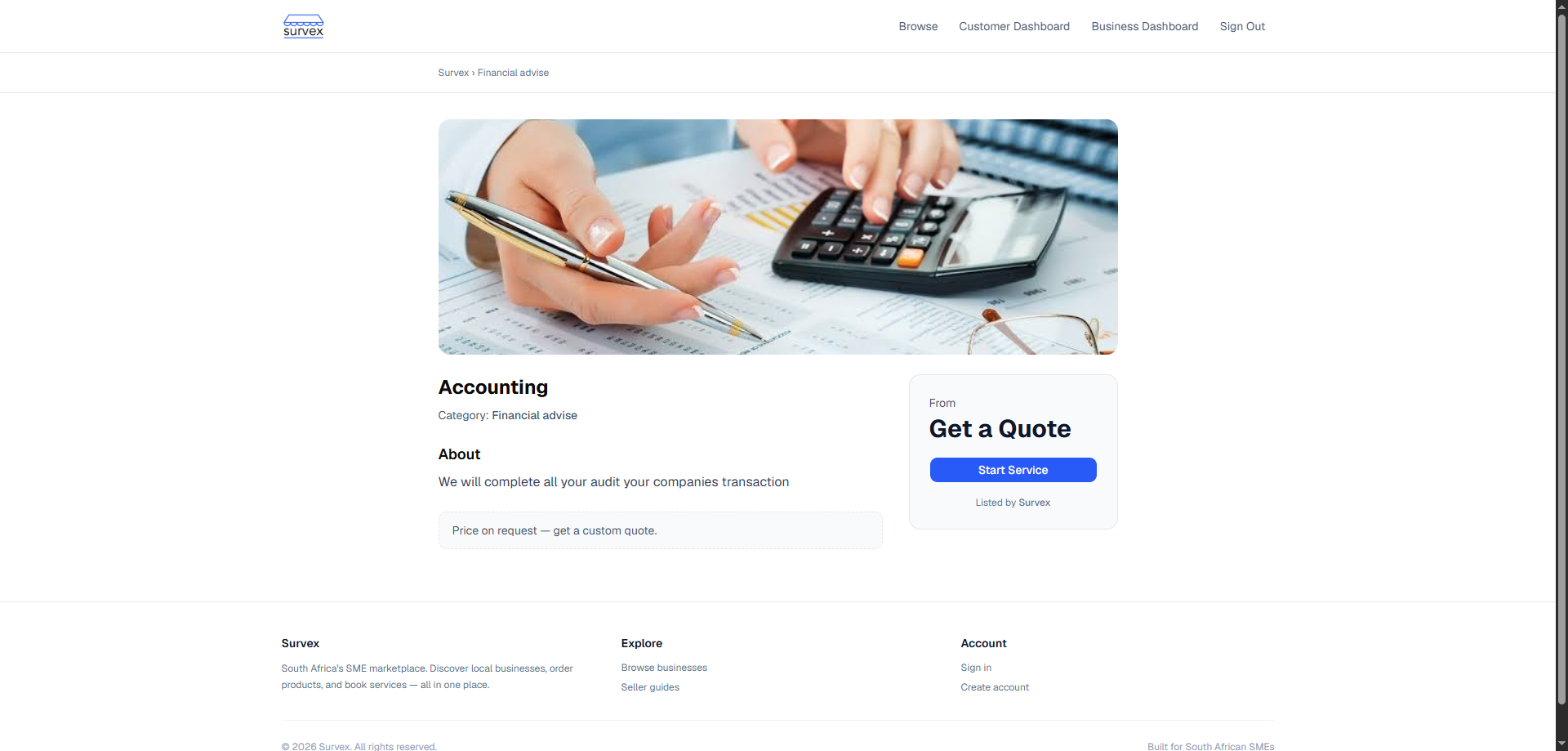
A service listing with the Message provider button. 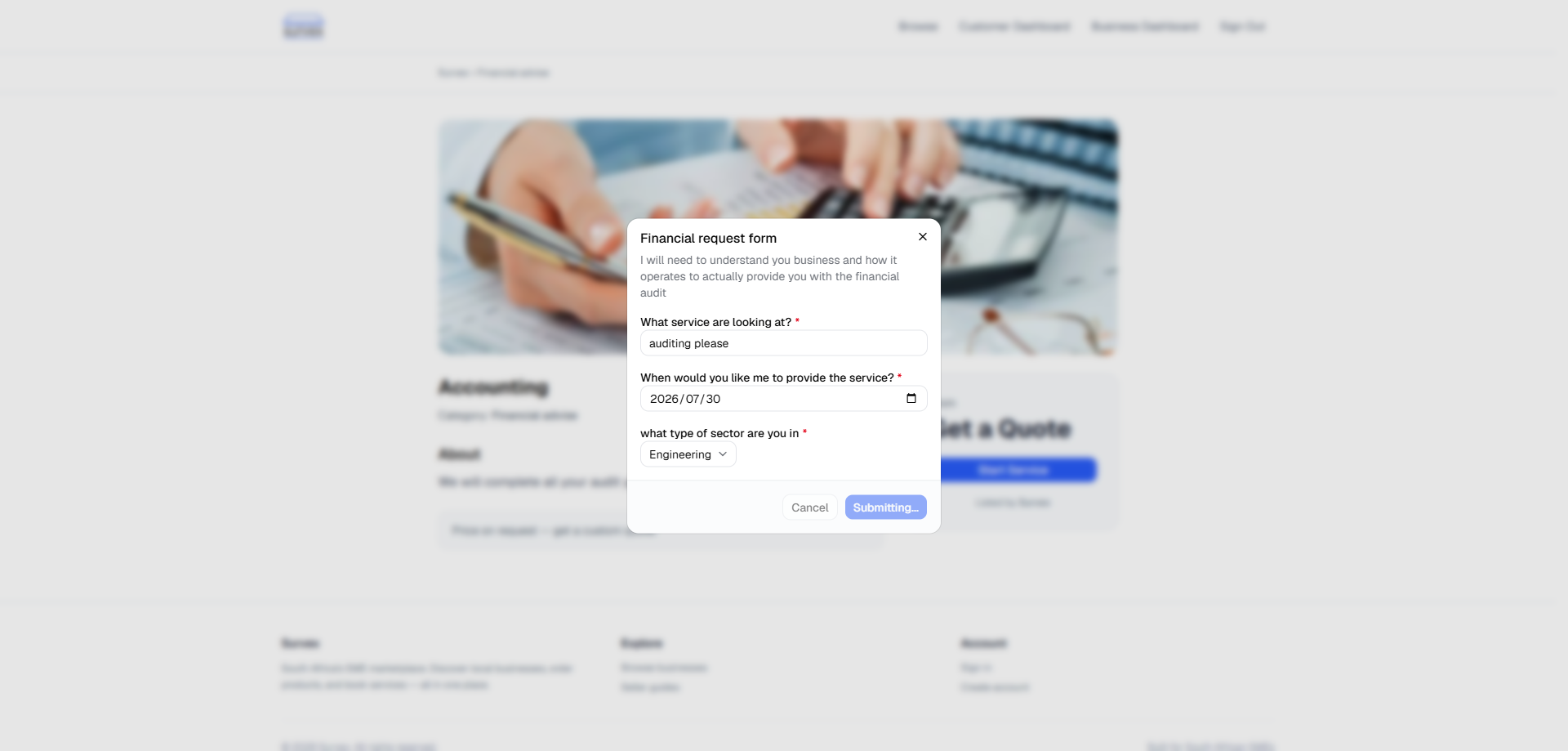
The provider's intake form, shown before the first message. Discuss the job in chat
Your conversation lives under Chats. Describe what you need, share any details, and agree on scope. The provider gets an email each time you send a message, and you get one back — so nobody has to sit watching the screen.
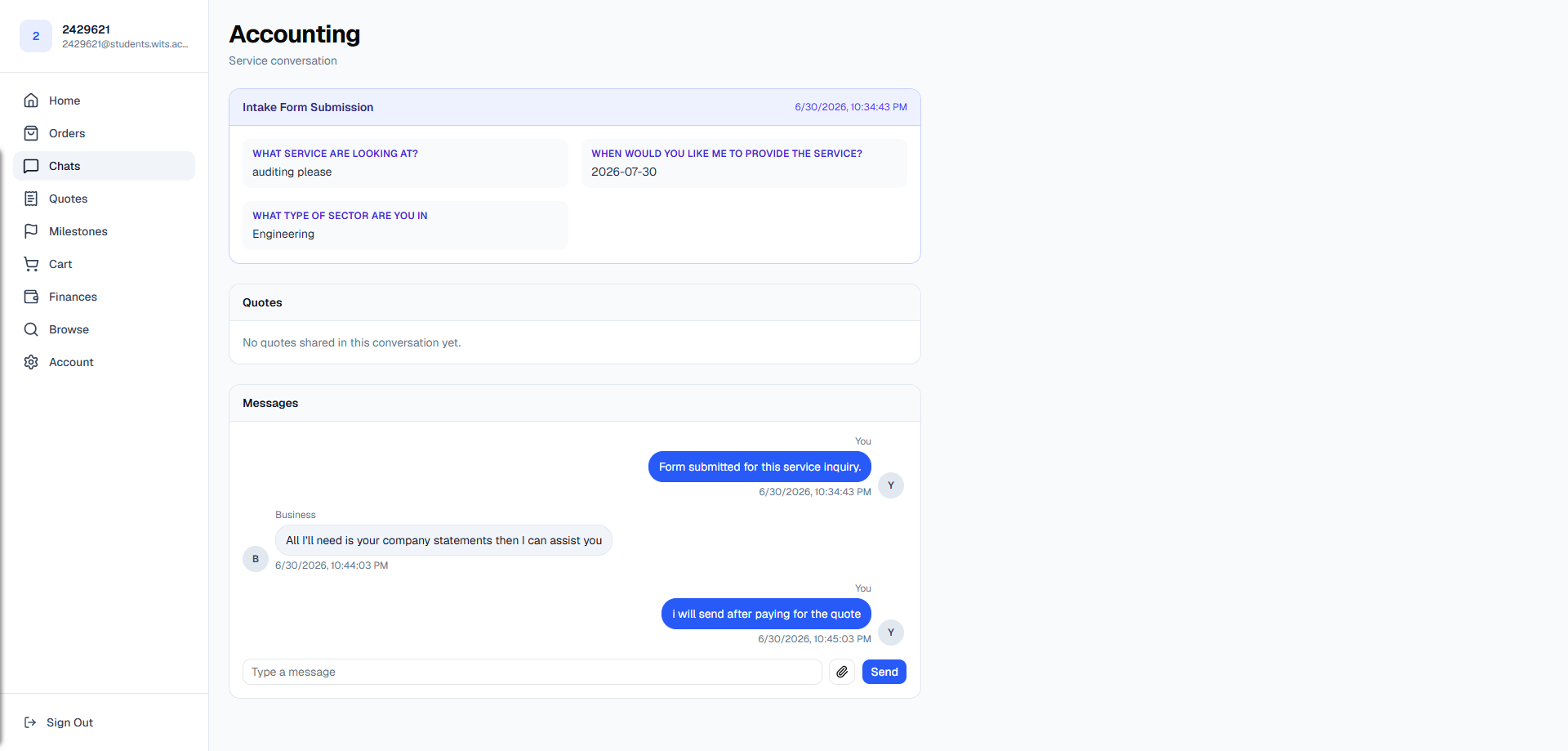
An active conversation before a quote has been sent. Review the quote
When the provider sends a quote, it appears in the conversation and under Quotes. A quote breaks the job into line items and splits the total into milestones — each milestone is a separate payment you make only when that stage is ready to begin.
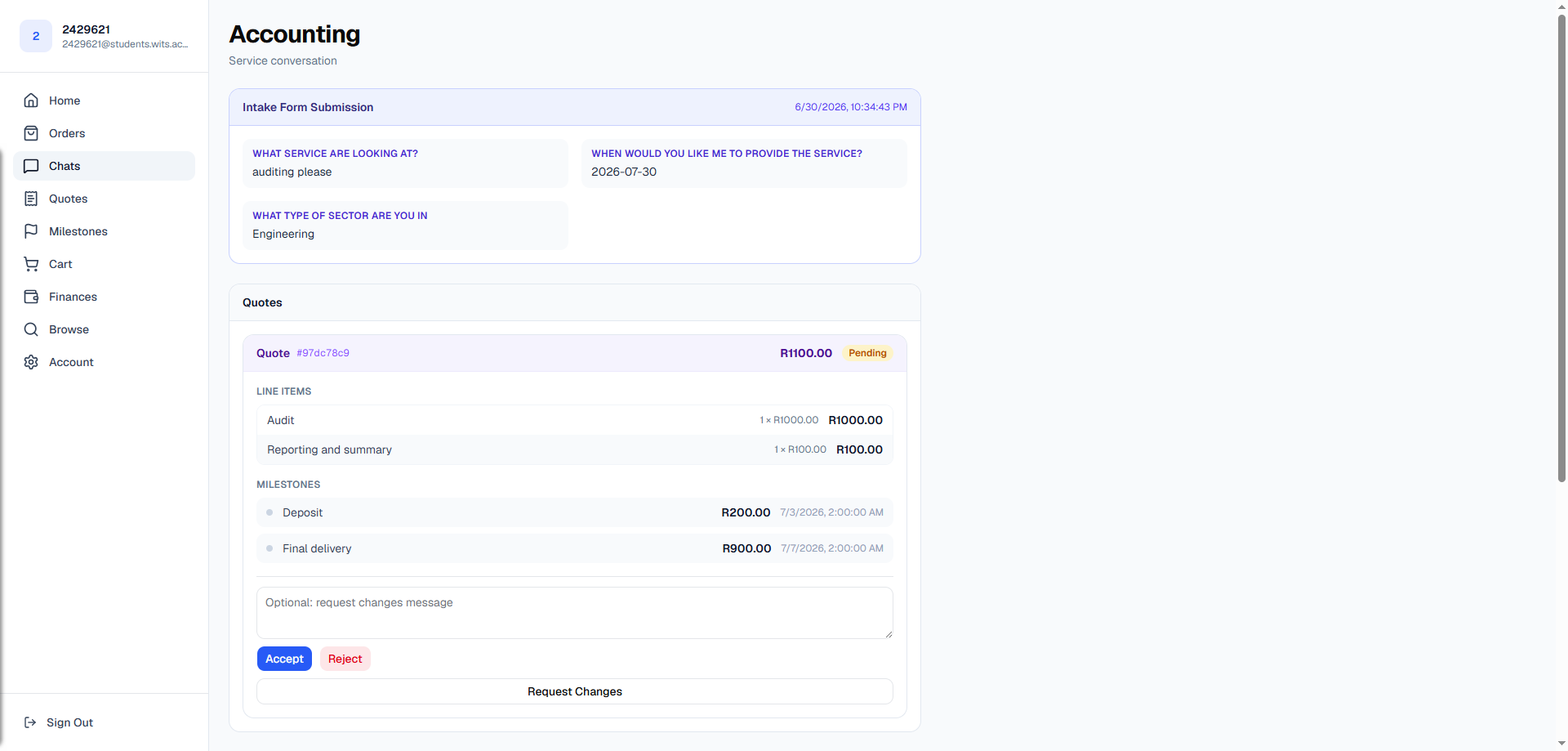
A pending quote showing line items and the milestone breakdown. Behind the scenes, nothing is charged yet. A quote is just a proposal until you accept it.Accept the quote
Tap Accept. This locks in the price and milestones — both you and the provider get an emailed summary. Declining instead lets the provider send a revised quote in the same conversation.
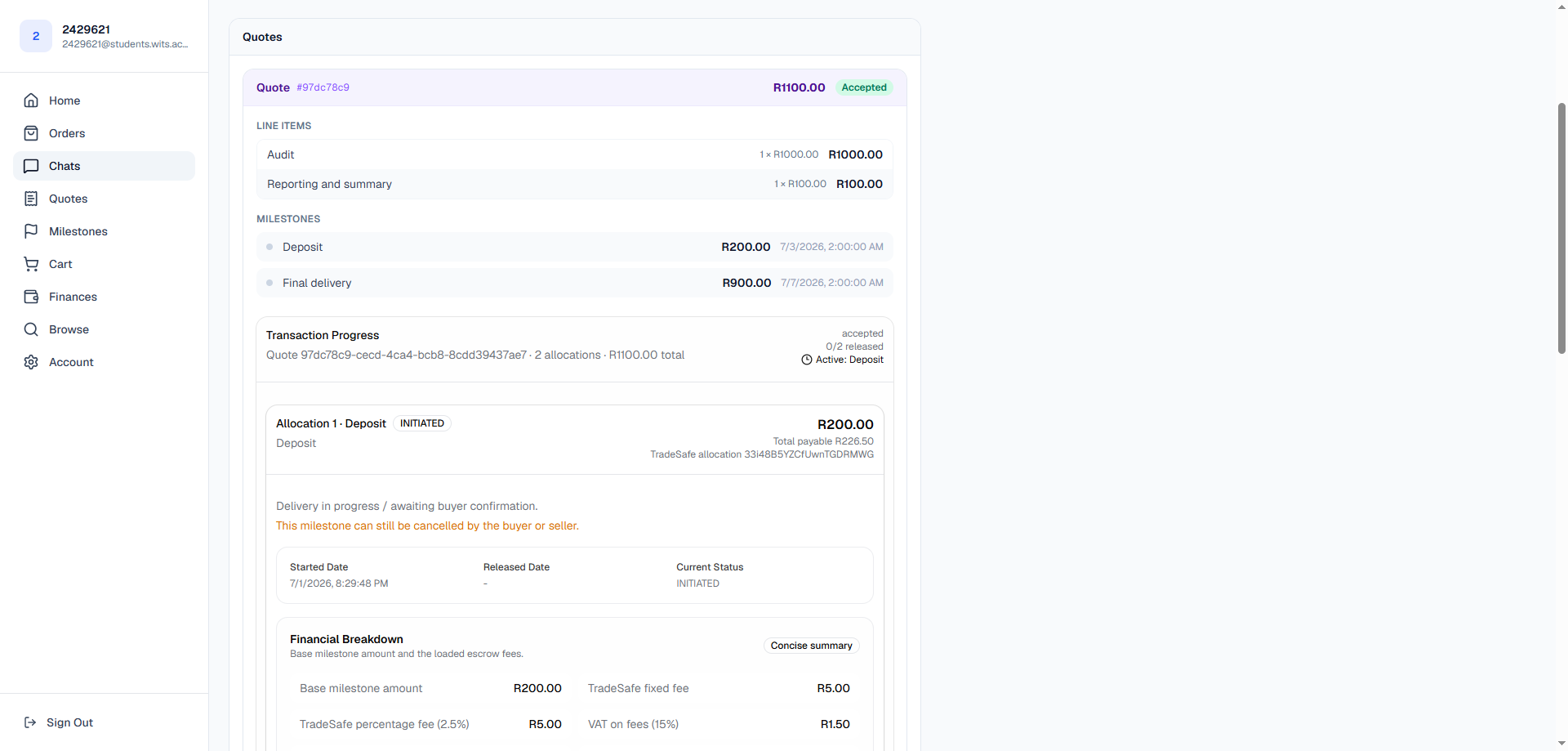
An accepted quote — the first milestone is now ready to pay. Pay the first milestone into escrow
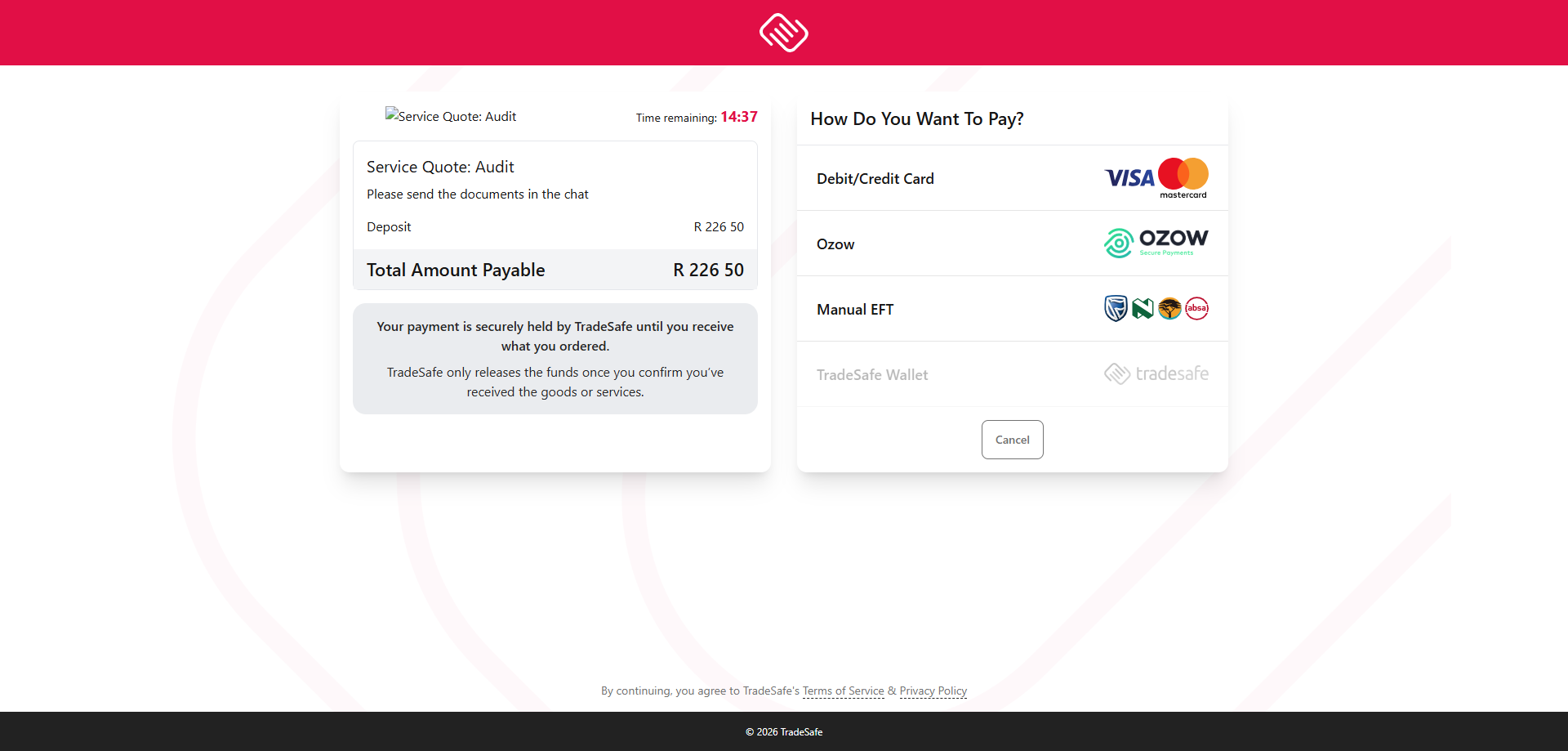
Only the first milestone can be paid to start; the rest unlock in order as each one finishes. Tap Pay milestone and you'll be taken to TradeSafe's secure checkout to pay. Your money goes into escrow — it is not sent to the provider yet.
The first milestone ready to pay; later milestones locked. The actual payment page is hosted by TradeSafe, not Survex, so that screen is captured manually — everything before and after it is captured automatically.The provider starts the work
Once your payment clears, the milestone moves to in progress and the provider is notified to begin. You'll see the live status on the quote.
Confirm delivery — or raise a concern
When the provider marks the milestone delivered, you have 24 hours to review it. Tap Accept delivery to release that milestone's funds to the provider, or Dispute if something isn't right. If you do nothing within 24 hours, it accepts automatically.
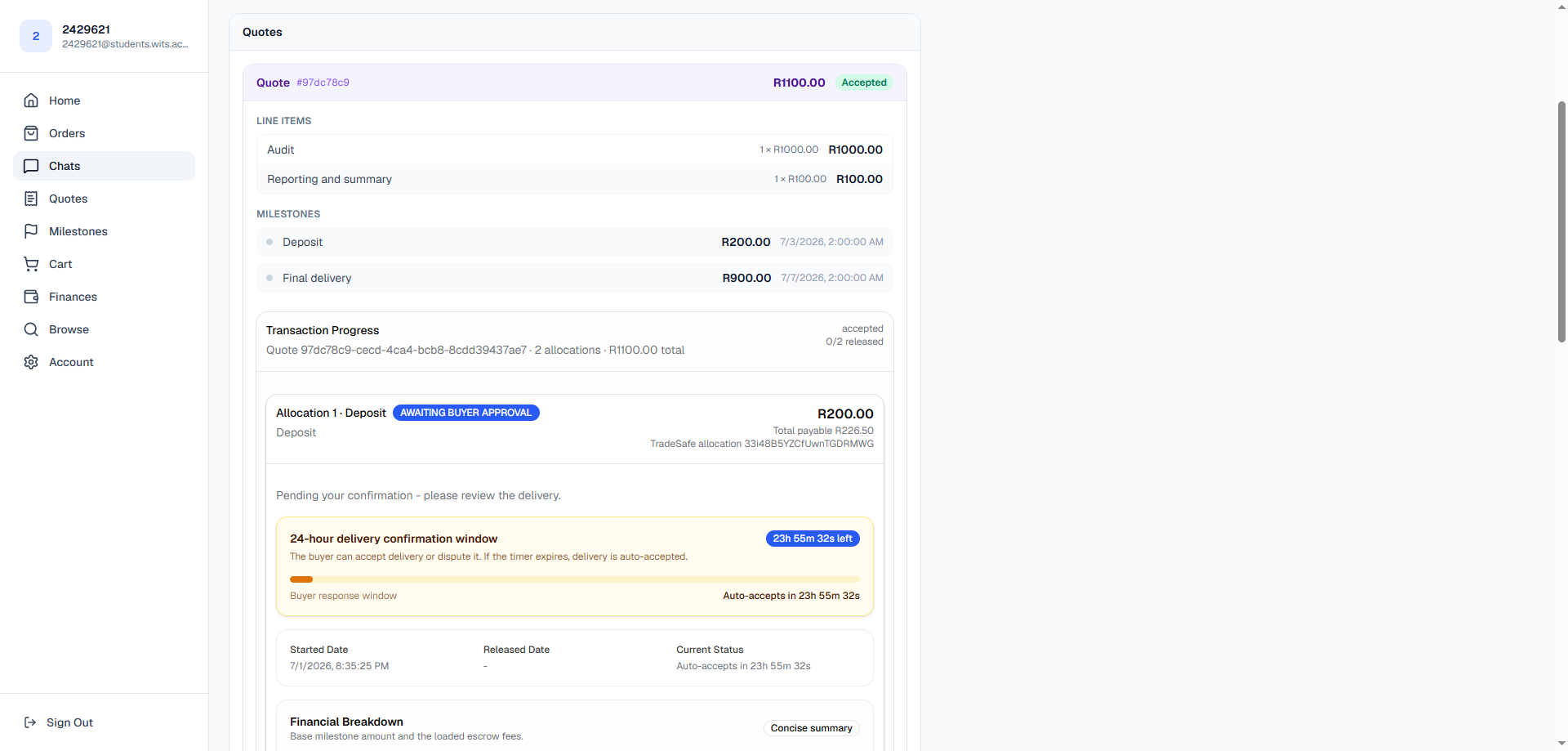
The review window: accept the work or raise a dispute. Not happy with the result? See the disputes & arbitration guide — disputes are free and the provider gets a chance to put things right.Funds release and the next milestone unlocks
Accepting releases that milestone's payment to the provider and unlocks the next one to pay. When the final milestone is accepted, the job is complete. You can review the provider afterwards.
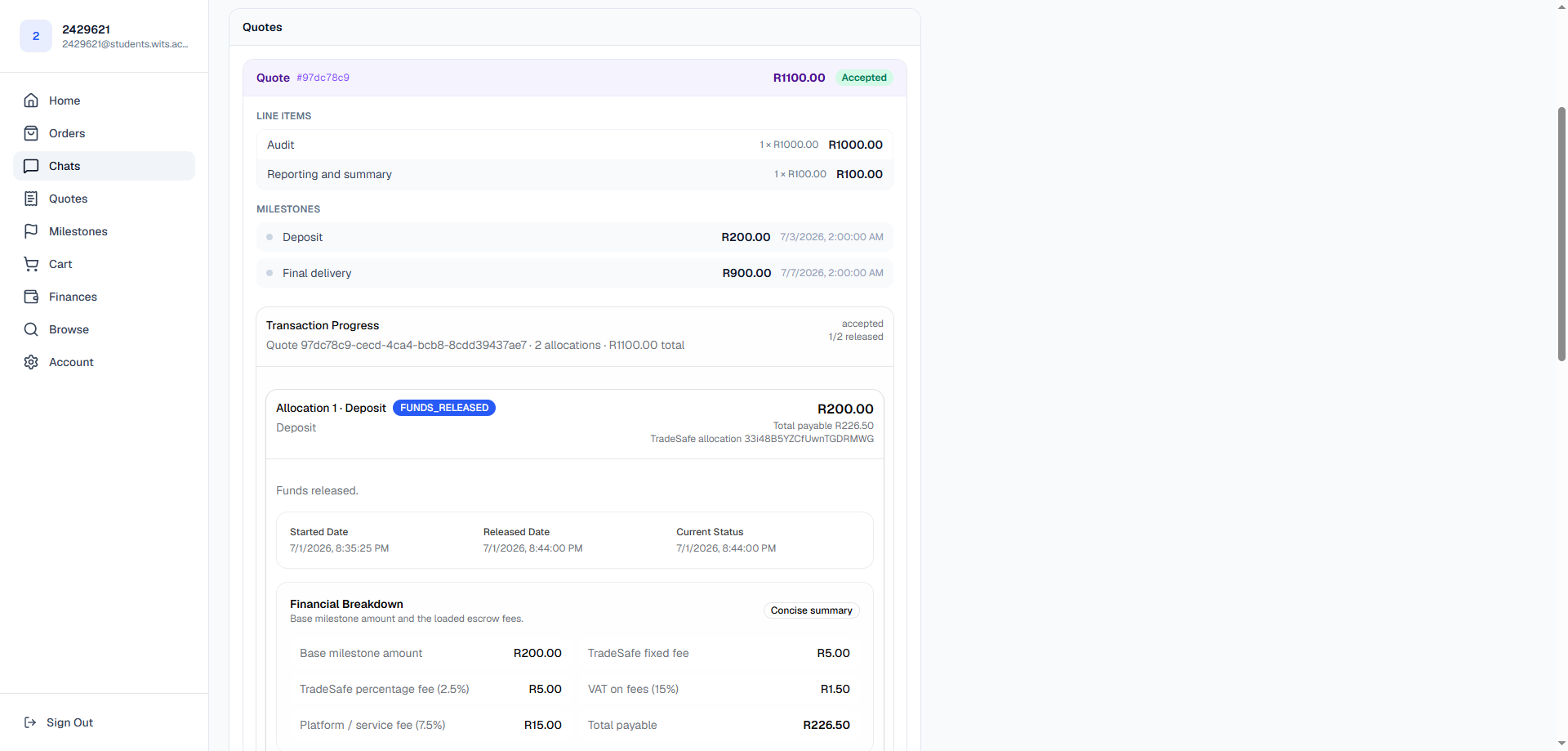
One milestone released; the next is unlocked. 
Your payment history under Finances.